CAM Inspect
 CAM Inspect
- Menu location
-
- Workbenches
- Default shortcut
-
kbd:[P I]
- Introduced in version
-
-
- See also
-
None
Description
The CAM Inspect command allows inspection of the internal FreeCAD G-code dialect contents of a CAM Operation object.
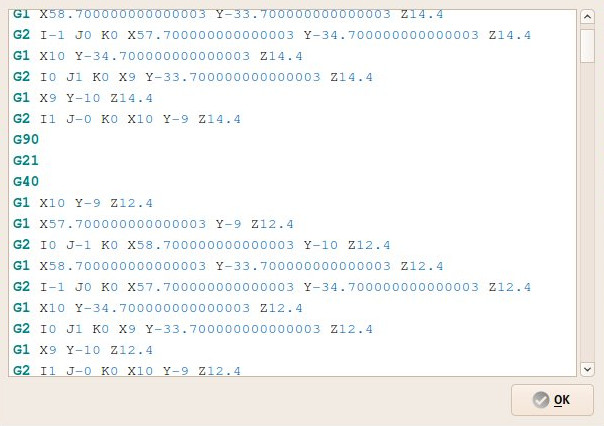
Usage
-
Select a CAM object.
-
There are several ways to invoke the command:
-
Press the
Inspect Toolpath button. -
Select the option from the menu.
-
Select the Inspect Toolpath option from the Tree View context menu.
-
Use the keyboard shortcut: P then I.
-