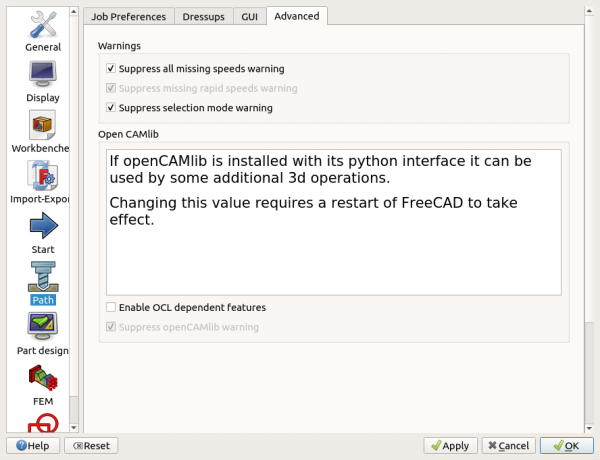
CAM Preferences
Overview
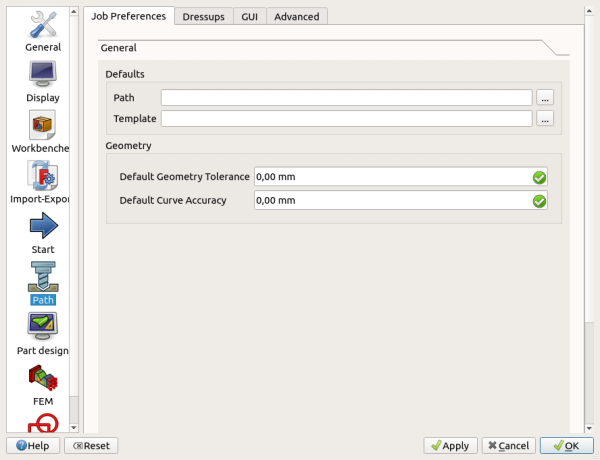
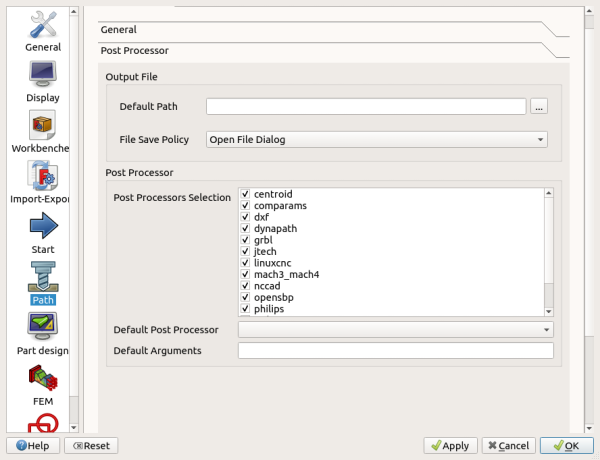
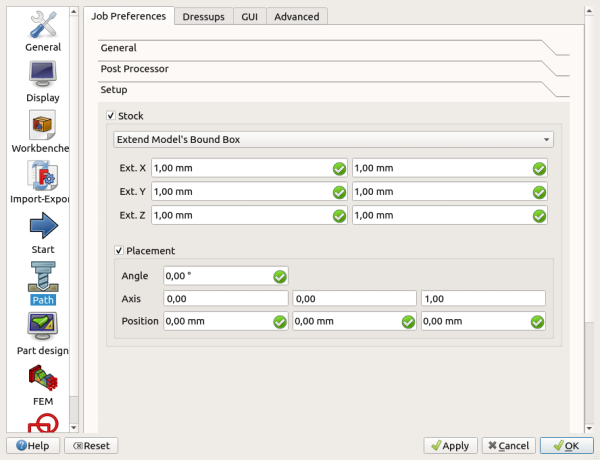
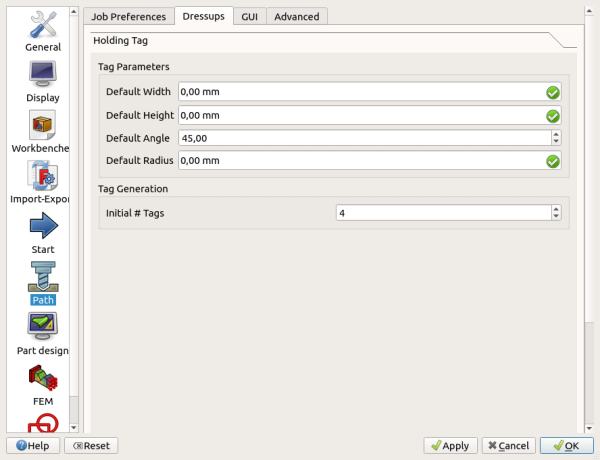
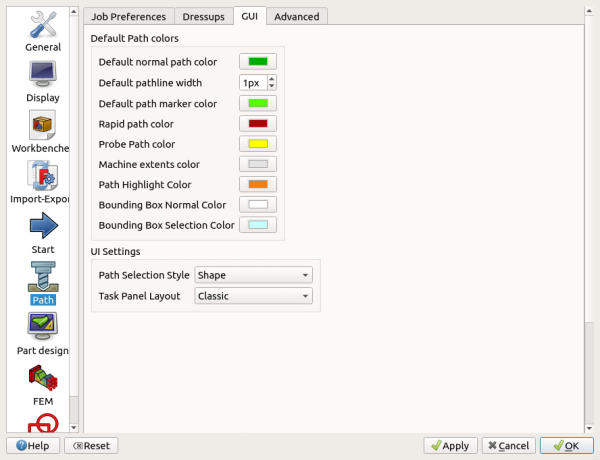
After selecting the CAM Workbench the preferences screen is found in the Preferences Editor, .
There are five pages: GUI, Assets, Job preferences, Dressups, and Advanced.
Assets
TBD
introduced in 26.3: machine assets can be managed from the CAM preferences. The Machine Library and Machine Editor create and edit *.fcm machine configuration files used by machine-based postprocessing.